
What is a “Lint” or “Linter”?
In software development, a linter is a static analysis tool that reviews source code for potential errors, stylistic deviations, and violations of coding conventions. It checks the code without executing it, helping developers catch issues early — before running or deploying the code.
Similarly, Design Lint brings that same philosophy to visual design: it automatically inspects UI layers for consistency, correctness, and alignment to design guidelines.
Why Use Design Lint?
Consistency at Scale
Design Lint helps maintain visual harmony across screens and components.
Save Time & Reduce Manual Review
Instead of manually eyeballing each screen or chasing subtle mistakes, the plugin automates much of the QA workload.
Enforce Design Standards
Since the rules are tied to a design system (in this case, Gojek’s), you ensure all designs stay on brand and conform to guidelines.
Transparent & Actionable
Rather than vague “inconsistency” feedback, Design Lint gives you rule names, severity, and direct navigation to the problematic element.
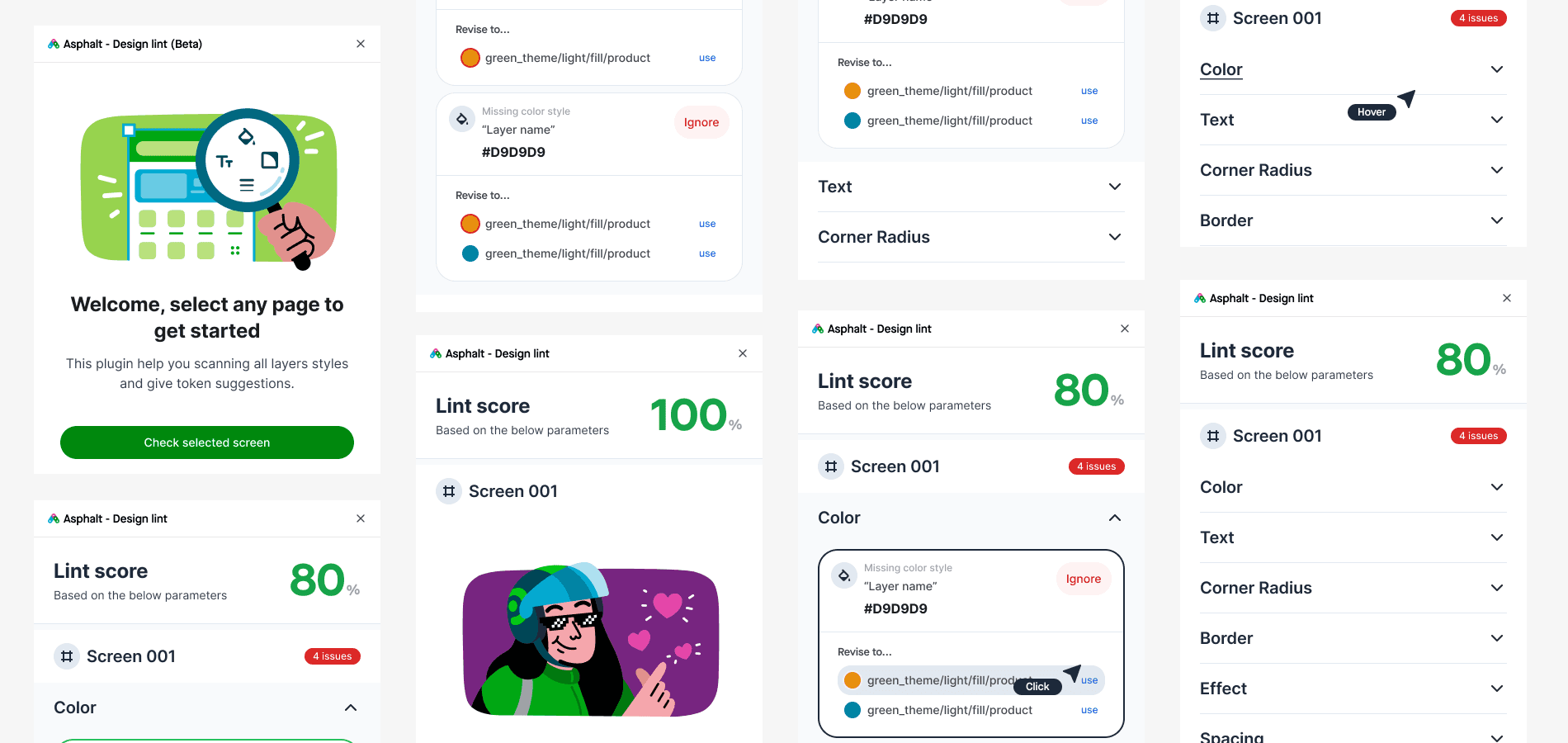
My role in this project
I handled the front-end development of the plugin and worked with another product designer to test it with other designers and expand its usage to a wider group. I'm using Typescript for the language to develop this Figma plugin.
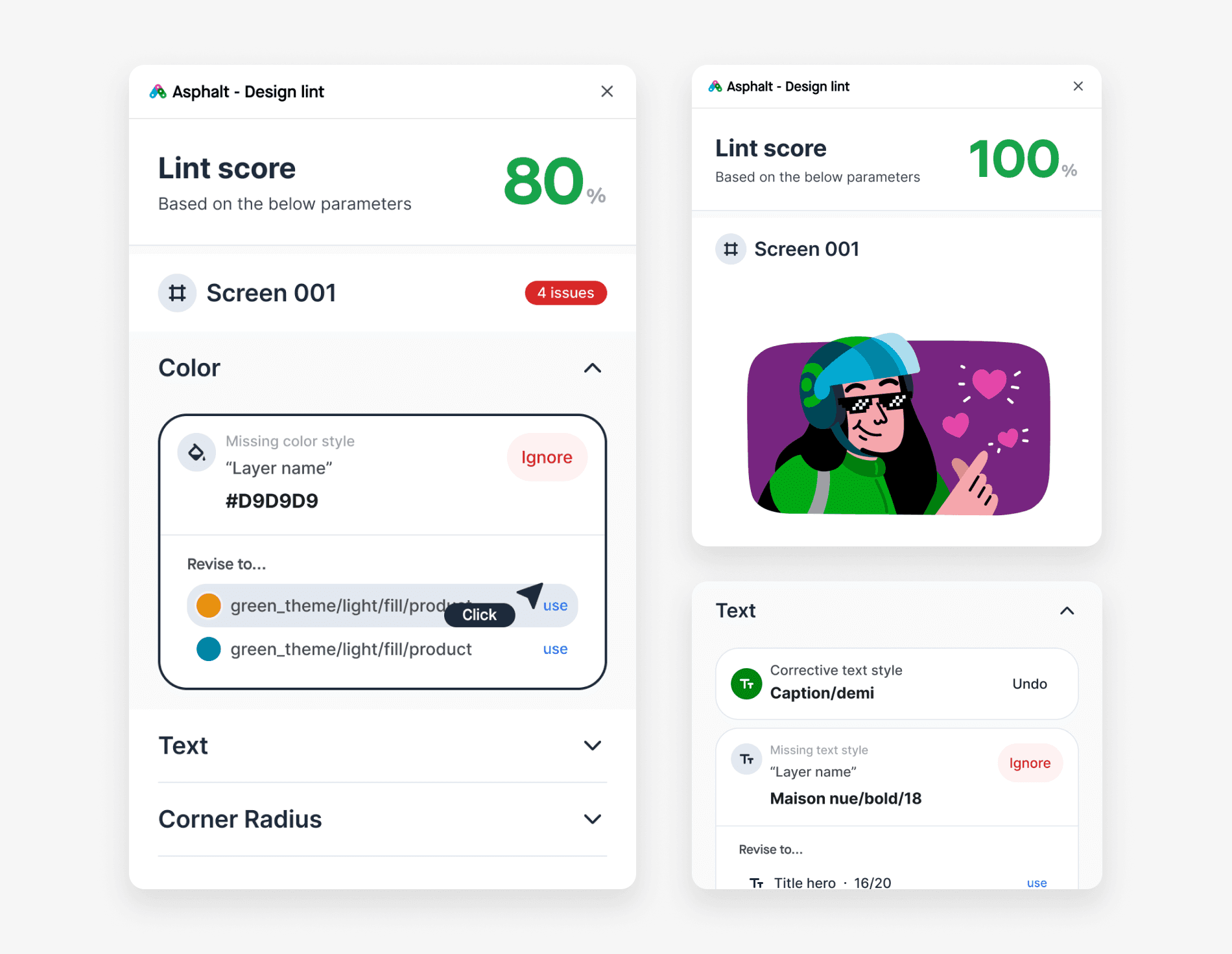
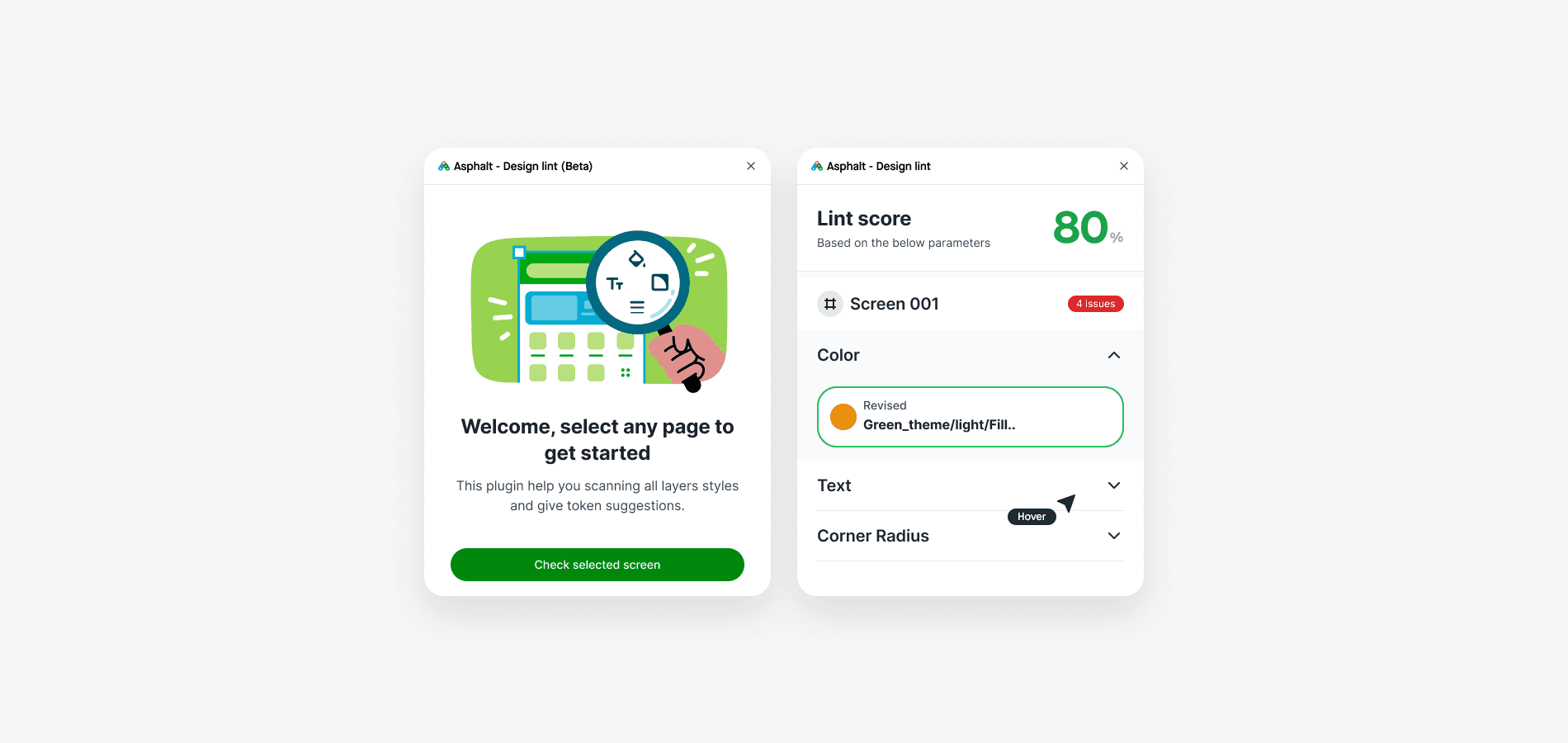
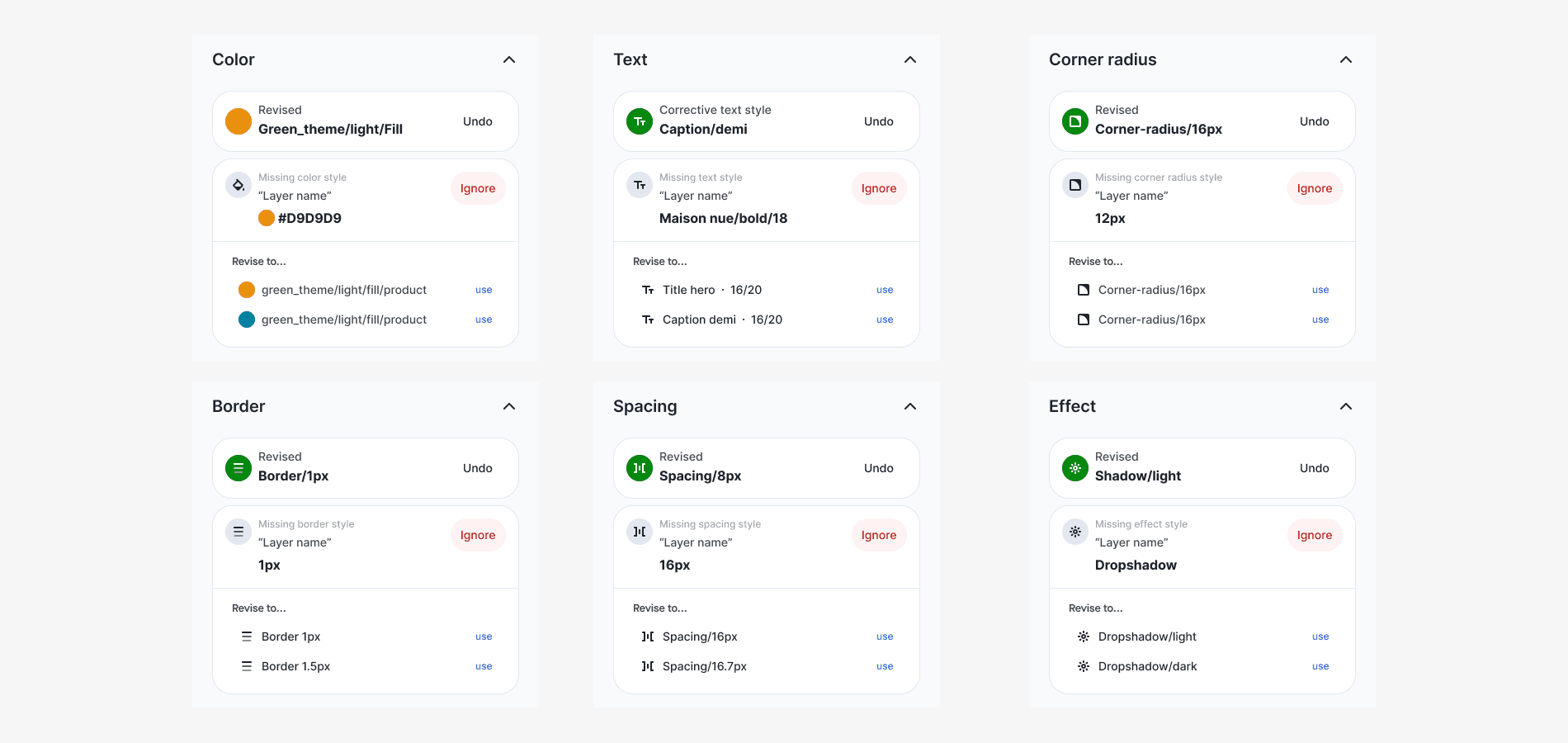
See it in action
The plugin works by examining all the layers under the selected parent layer. It checks each rule that has been added and assigns a score to them. These rules were custom-built based on Gojek's design system library.